

Emergency Management and Disaster Science
Are you the type of person who plans ahead? Are you calm under pressure? Do you possess strong leadership skills? A career in emergency administration and planning may be for you.
The University of North Texas offers the nation's first and most respected undergraduate program in Emergency Administration and Planning.
Professionals in this field help individuals, businesses, governments and nonprofit organizations prepare for, respond to and recover from floods, tornadoes, hazardous materials spills, terrorist attacks and epidemics.
Graduates typically find careers in government agencies, private businesses and humanitarian organizations. Employment opportunities may be found as a:
- Red Cross emergency director
- Business continuity specialist
- Federal Emergency Management Agency manager
- Hospital disaster planner
- Local and state emergency management coordinator

 Emergency Administration and Planning
Bachelor of Science (BS)
Learn More >
Emergency Administration and Planning
Bachelor of Science (BS)
Learn More >
 Emergency Administration and Planning Minor
Undergraduate Minor
Learn More >
Emergency Administration and Planning Minor
Undergraduate Minor
Learn More >
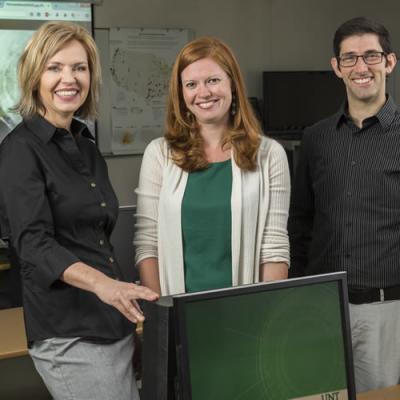 Emergency Management and Disaster Science
Master of Science (MS)
Learn More >
Emergency Management and Disaster Science
Master of Science (MS)
Learn More >
Emergency Management and Disaster Science

The University of North Texas offers the nation's first and most respected undergraduate program in Emergency Administration and Planning.
Professionals in this field help individuals, businesses, governments and nonprofit organizations prepare for, respond to and recover from floods, tornadoes, hazardous materials spills, terrorist attacks and epidemics.
emds.unt.edu
eadp@unt.edu
940.369.7445
Chilton Hall 302
Centers and Clinics
Emergency Operations Center
EADP@unt.edu
940.369.7445
Physical/Shipping Address
UNT College of Health and Public Service
Chilton Hall, Suite 302
410 S. Avenue C
Denton, TX 76201
Mailing Address
UNT College of Health and Public Service
1155 Union Circle #310637
Denton, TX 76203